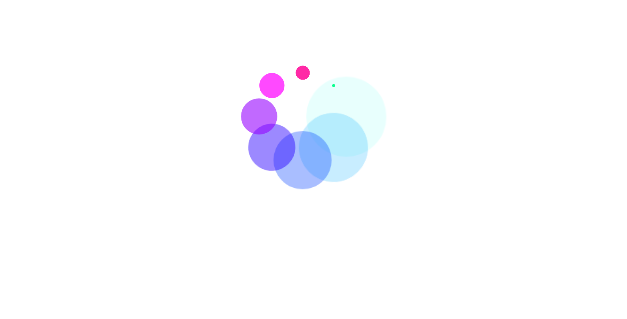
Loading style water animation
<!DOCTYPE html>
<html>
<head>
	<title>BOOTSTRAP4 DATEPICKER | par NGLESSON</title>
	<meta http-equiv="Content-Type" content="text/html; charset=UTF-8" />
	<meta http-equiv="X-UA-Compatible" content="IE=edge">
	<meta name="viewport" content="width=device-width, initial-scale=1">
	<meta name="keyword" content="BOOTSTRAP4 DATEPICKER">
	<meta name="author" content="Mezgani said">
	<meta name="copyright" content="NGLESSON">
	<link href="style.css" rel="stylesheet">
</head>
<body>
	<div class="water"></div>
</body>
</html>
body{
    width: 100%;
    height: 100vh;
    background-color: #FFF;
    display: flex;
    justify-content: center;
    align-items: center;
}
.water{
    width:400px;
    height: 400px;
    background-color: skyblue;
    border-radius: 50%;
    position: relative;
    box-shadow: inset 0 0 30px 0 rgba(0,0,0,.5), 0 4px 10px 0 rgba(0,0,0,.5);
    overflow: hidden;
}
.water:before, .water:after{
    content:'';
    position: absolute;
    width:400px;
    height: 400px;
    top:-150px;
    background-color: #fff;
}
.water:before{
    border-radius: 45%;
    background:rgba(255,255,255,.7);
    animation:wave 5s linear infinite;
}
.water:after{
    border-radius: 35%;
    background:rgba(255,255,255,.3);
    animation:wave 5s linear infinite;
}
@keyframes wave{
    0%{
        transform: rotate(0);
    }
    100%{
        transform: rotate(360deg);
    }
}